Installation Guide
Follow these simple steps to get started with our service.
1
Download the App & Create Your Account
On iOS
- Download Talk & Text Hub from the App Store
- Open the app and sign up or log in
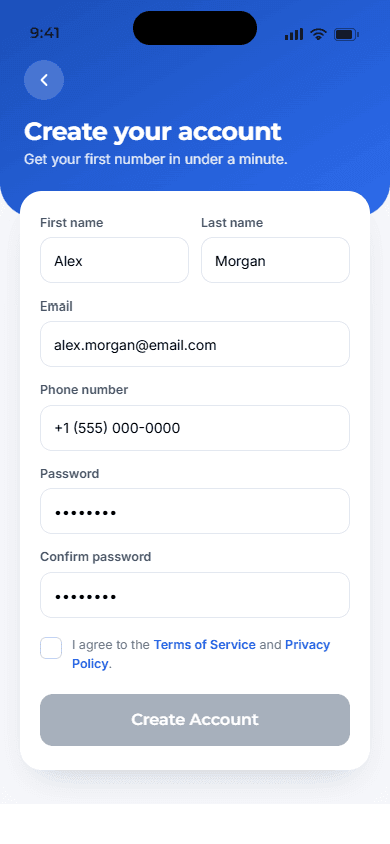
- Complete your account setup to access the app
On Android
- Download Talk & Text Hub from Google Play
- Open the app and create an account or log in
- Finish setup to continue
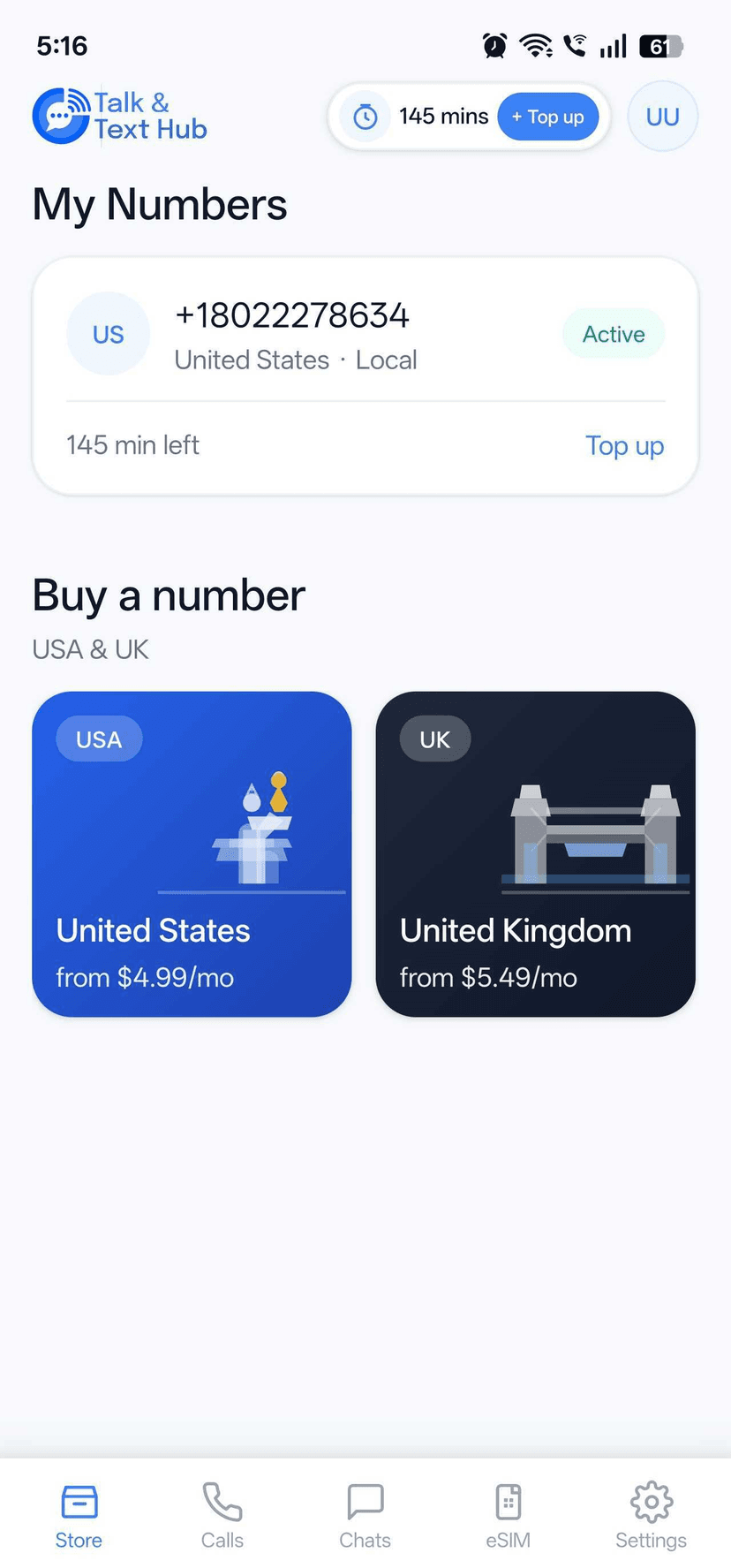
Once logged in, you’ll see the app’s main sections for managing your number, contacts, credits, and settings.
2
Get Your Virtual Phone Number
To start making calls, you’ll need to activate a virtual phone number.
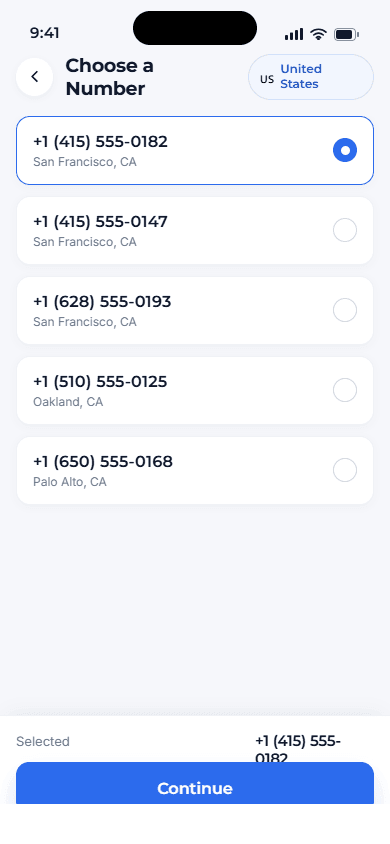
- Go to the Number section in the app
- Choose the option “Get your first phone number”
- Browse available numbers and select one that fits your needs
- Choose how long you want the number to remain active
- Complete the purchase to activate your number. After activation, this virtual number becomes your calling identity inside the app.
- Your personal phone number is never used or shared.
3
Add Credits to Start Calling
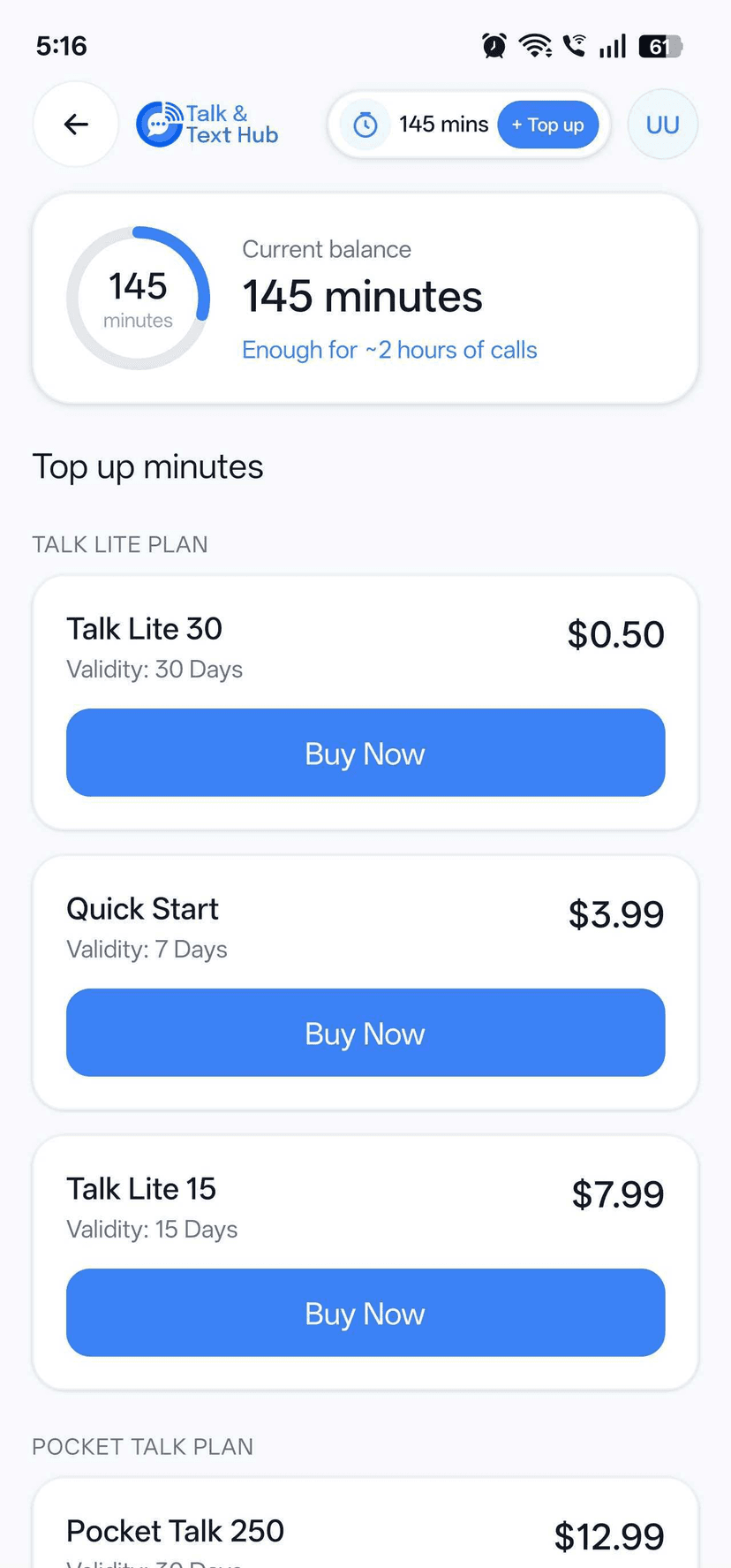
Once your virtual phone number is active, add credits to place calls.
- Credits are used to make calls to mobile and landline numbers
- You can add credits directly within the app
- Your available credit balance is always visible
Credits give you flexibility and control over your calling usage.
4
Start Making Calls
With your number active and credits added, you’re ready to call.
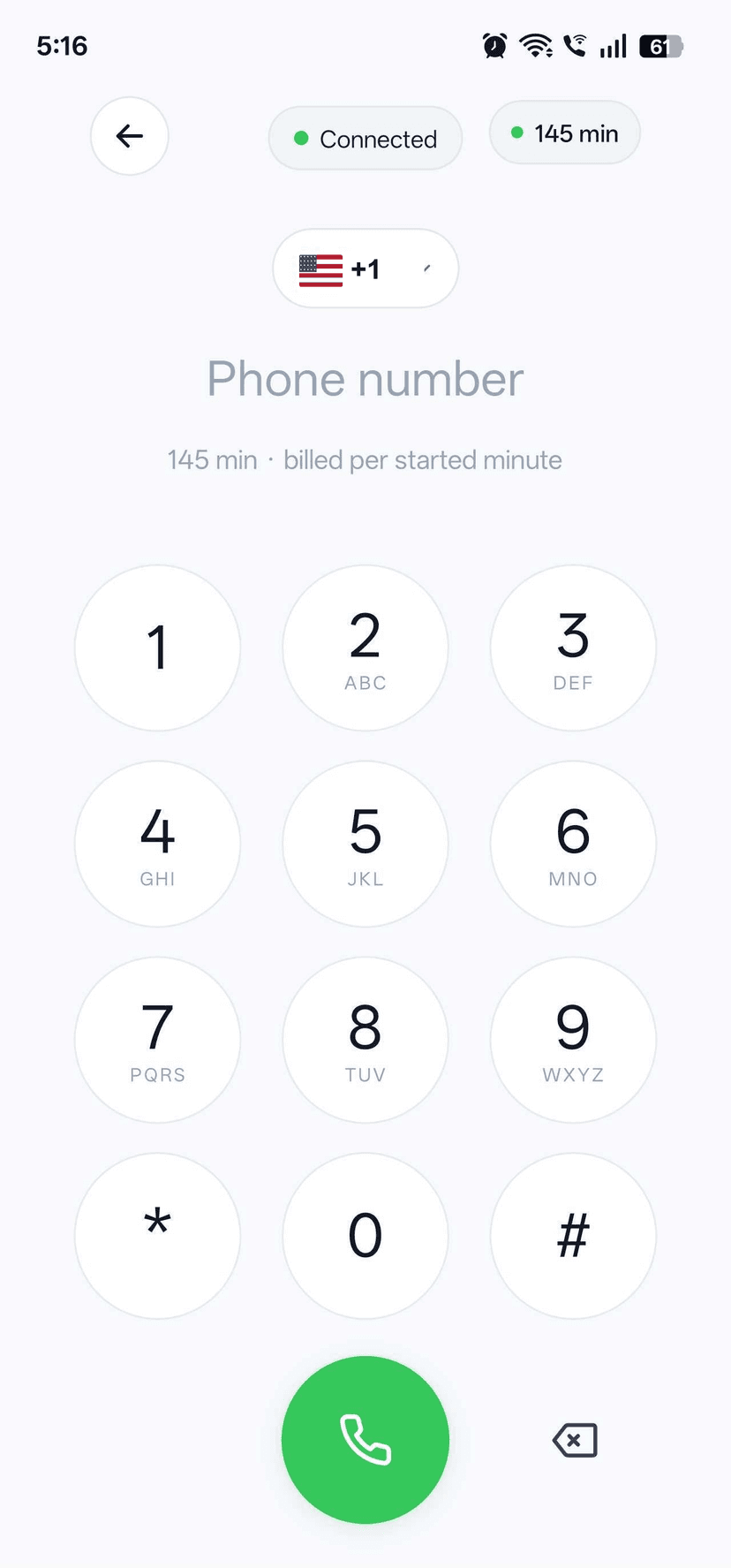
- Use the built-in dialer to enter any number
- Call directly from your saved contacts
- Make calls over Wi-Fi or mobile data
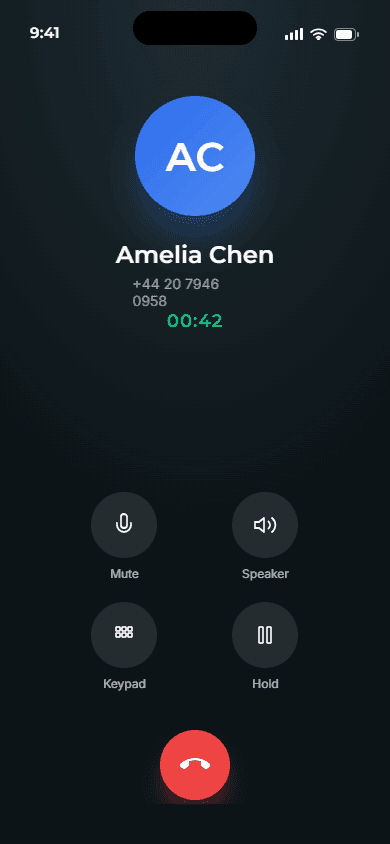
All calls are placed through the app - no SIM card or additional hardware needed.
5
How Calling Works
Talk & Text Hub uses VoIP technology to make calls over the internet.
- Works on Wi-Fi or mobile data
- Supports calls to real mobile numbers and landlines worldwide
- Displays your virtual phone number instead of your personal one
This makes calling more flexible, private, and travel-friendly.
6
What You Need to Get Started
- An iOS or Android device
- An active internet connection
- A virtual phone number
- Calling credits
This makes calling more flexible, private, and travel-friendly.